Project Management
Delivery starts where the sale left off.
Projects, sprints, Gantt, capacity planning, timesheet and effort reports. Deliver what you sold, on time.
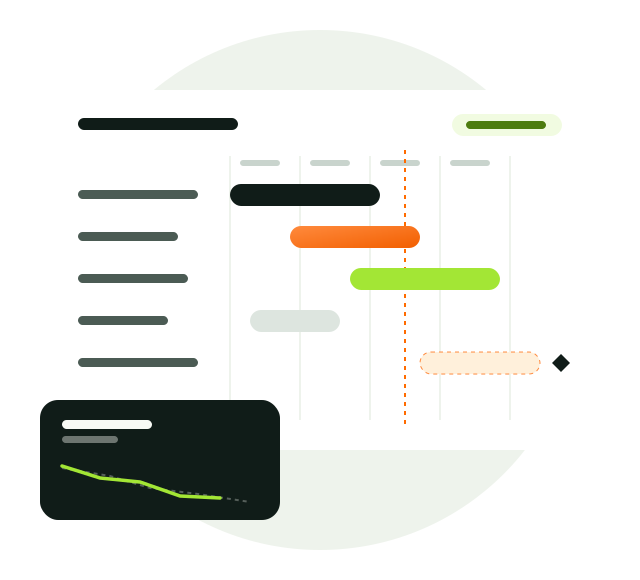
Sales won the deal; now it is delivery’s turn.
A won deal, a CRM task or a customer ticket becomes project work in one click. Team capacity, sprints and time spent live in one place, and the project manager sees what is late and who is fully booked at a glance.
- Gantt and KanbanFour views.
- Sprints and burndownFor agile teams.
- Resource planPerson × week.
Project Management, in full.
Everything the module offers, topic by topic.
Projects and team
Every project with its owner, team and own flow.
- Project owner, manager, member and viewer
- Project-specific status flow, reordered by drag and drop
- Customer and billing type
- Work items with key codes
Work items and views
See work the way your team works.
- Kanban, table, list and Gantt
- Parent and child items; type, priority, label, estimate and points
- Move and extend by dragging on the Gantt
- Inline table editing and saved views
Sprints and milestones
Ready for agile teams.
- Start and close sprints; move open items to the next sprint
- Burndown by estimate, points or count
- Milestone progress, due dates and delays
- Active sprint summary on the dashboard
Capacity and resource planning
Plan knowing who is booked and who is free.
- Daily hours, working days and time off per person
- Person × project × week allocation grid
- Utilization and free capacity
- Share reserved for the service team
Time and effort
See the gap between estimate and actual.
- Weekly timesheet and time on work items
- Estimated, spent and budget percentage
- Effort report by customer, person and project
- Project and service time in a shared workforce report
Collaboration and links
Move forward without losing context.
- Work item comments and @mention notifications
- Project work from a CRM task or a service ticket
- Project items in the My Work agenda
- Start and export projects with Excel
How does it work?
- Start
Open the project from scratch or from an Excel template.
- Plan
Distribute items across sprints, milestones and people.
- Execute
Move work on the Kanban, log time and comment.
- Measure
Plan the next one better with burndown, effort and capacity reports.
From startup to enterprise.
The same module grows with your company.
Deliver your first client projects in order
With Kanban and time tracking, a small team keeps big work under control.
Run several projects at once
Plan without overloading anyone, using the resource plan and capacity view.
Portfolio-level visibility
Delivery performance by customer through sprints, milestones and effort reports.
Better together.
This module works on the same customer record as the others.