Budget Management
The budget leaves the spreadsheet and takes its seat at the management table.
Planning by cost center, approval flows, commitment and actuals tracking, variance analysis. Your revenue targets meet the real invoices issued in the CRM.
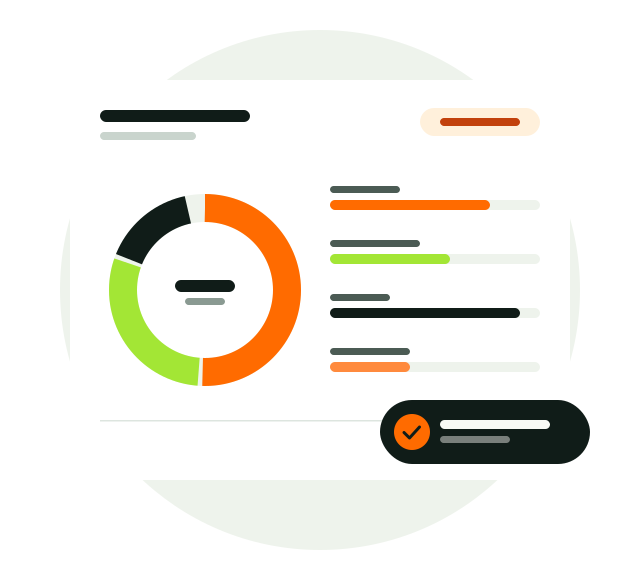
A budget is not a file made once a year, but a plan that lives every day.
Departments enter their own lines, requests go through approval, and available budget updates as spending comes in. Management sees whether a variance comes from volume, price or currency.
- Cost centersPlanning by department.
- Approval flowLimit matrix and CFO approval.
- Variance analysisVolume, price and currency separately.
Budget Management, in full.
Everything the module offers, topic by topic.
Budget planning
Every line consistent, every month calculated.
- Budget lines by cost center
- Monthly spread: months always add up to the line total
- Indicative exchange rate and base amount locked per budget
- Four-tab line form
Working with Excel
Teams switch without leaving the tool they know.
- Bulk import matched by line code
- Preview before importing
- Row-level error report
- Export with formulas and validation
Approval engine
Your rules, automatic flow.
- Limit matrix tailored to your company
- CFO approval on overruns and supplementary budgets
- Segregation of duties and rejections with reasons
- Shared Approval Desk with CRM price approvals
Budget process
Every step from preparation to freeze is tracked.
- Draft, submitted, under review, approved and frozen statuses
- Submission and review by department
- A rejected budget returns to draft with the reason
- Supplementary budgets and transfers
Commitments and actuals
Spending leaves the budget before it happens.
- Available budget: budgeted, supplementary, transfers, actuals and pending requests
- Roll multi-year payments into the new year as commitments
- Suppliers come from company records in the CRM
- Contract radar with daily reminders
Analysis and revenue
See why a variance happened and compare revenue targets with reality.
- Variance: volume, price and currency effects separately
- Year-to-date or full-year view
- Revenue targets against CRM invoices, net of refunds
- Budget dashboard, trends and anomaly analysis
How does it work?
- Plan
Departments enter lines in their own cost centers.
- Approve
Budgets and requests go through approval by the limit matrix.
- Spend
Requests, commitments and actuals update the available budget.
- Analyze
Follow variances with their causes and revenue with real invoices.
From startup to enterprise.
The same module grows with your company.
Discipline your cash from day one
Founders tie spending to a plan; every request is recorded with who approved it.
Give departments ownership
Each team manages its own budget while finance sees the full picture on one screen.
Board-ready numbers
Many cost centers, multi-year commitments and currency effects; variances explained in the report.
Better together.
This module works on the same customer record as the others.